
 加载中…
加载中…JavaFX界面设计之修改界面皮肤
 (2017-07-26 09:12:39)
标签:
javafxjava界面设计皮肤 |
分类: Java学习 |
作为RIA技术之一,为了让应用程序的界面看起来更加的漂亮或者更有个性,皮肤功能自然是必不可少的。
-
.CustomButton{
-
-fx-background-color: #aaffff; -
-fx-text-fill: #000000 -
}
-
public
class Skintest extendsApplication {
-
public
static void main(String[] args) { -
launch(args); -
}
-
-
@Override
-
public
void start(Stage primaryStage) { -
primaryStage.setTitle("Test Skin in ; -
final Button newbtn = Button( "Iam );a Button"
-
-
StackPane root = new StackPane(); -
Scene scene = new Scene(root, 800,600); -
scene.getStylesheets().add("skin1.css"); -
btn.getStyleClass().add("CustomButton"); -
root.getChildren().add(btn); -
primaryStage.setScene(scene); -
primaryStage.show(); -
} -
}
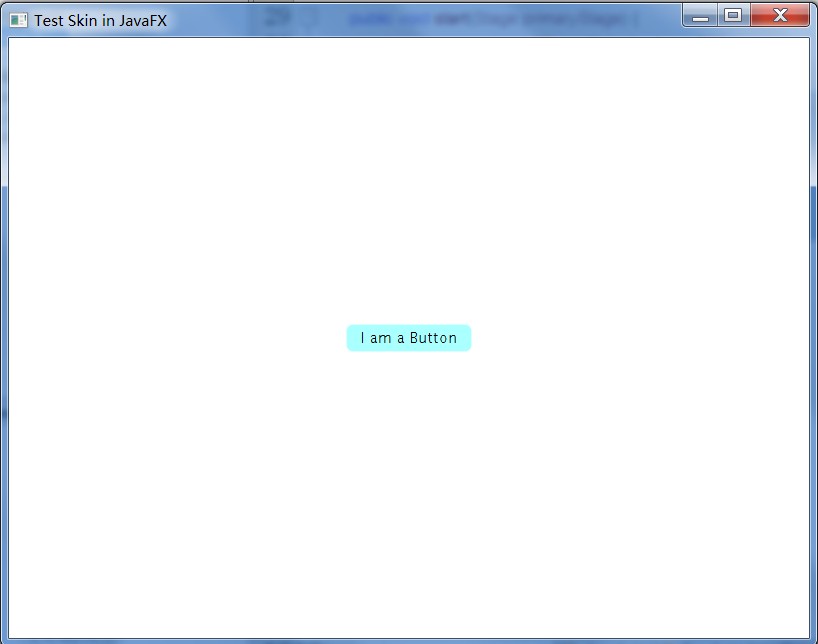
-
.CustomButton2{
-
-fx-background-color: #000000; -
-fx-text-fill: #FFFFFF -
}
-
btn.setOnAction(new
EventHandler() { -
@Override -
public void handle(ActionEvent event) { -
btn.getStyleClass().add("CustomButton1"); -
} -
});
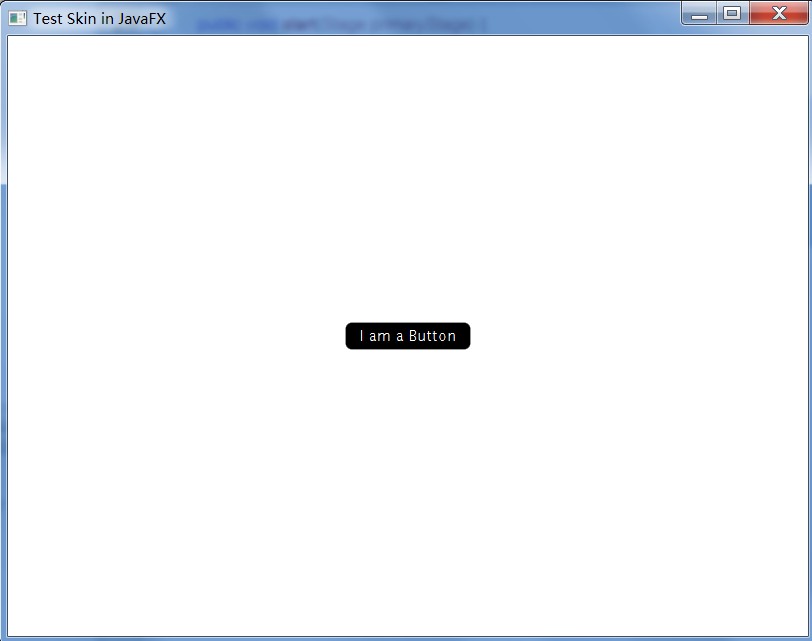
个功能,我们只需要把上面的skin1.css中的.CustomButton改为.button,就会覆盖Button控件的样式。

-
.root{
-
-fx-font-size: 16pt; -
-fx-base: rgb(255, 145, 47); -
-fx-background: rgb(255, 255, 255); -
}

喜欢
0
赠金笔